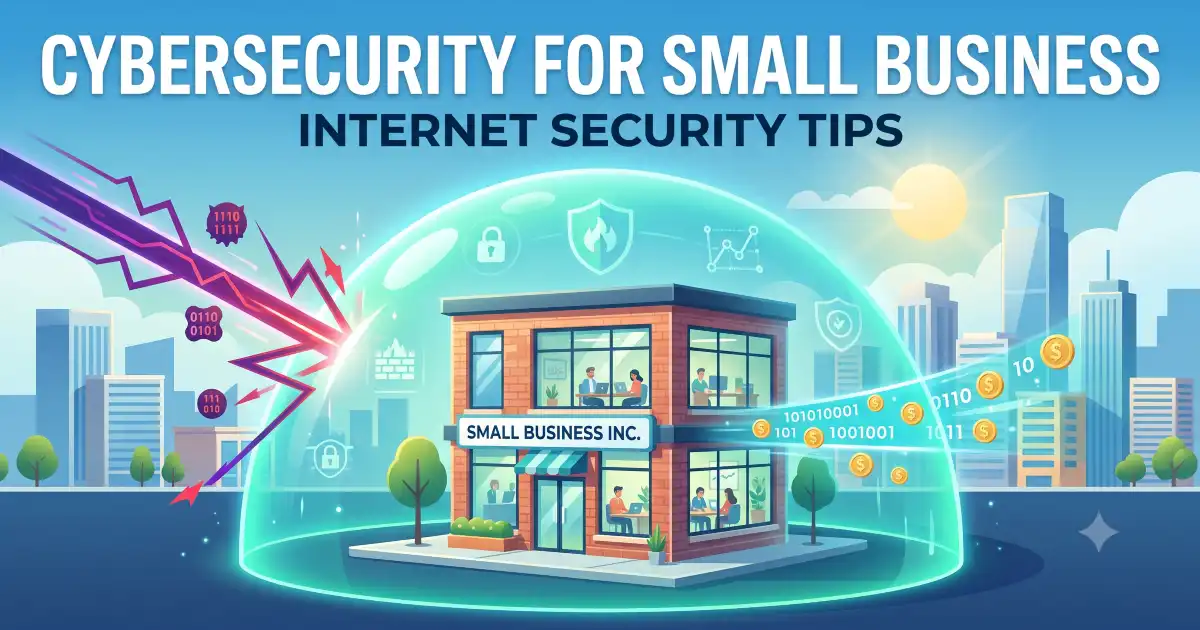
Small businesses often assume hackers only go after big corporations, but the opposite is usually true. Smaller companies tend to have weaker defenses and fewer resources dedicated to security, which makes them an easier target, not a less likely one. The good news is that solid protection doesn’t require an enterprise budget — it mostly comes down to consistent habits and a handful of smart tools.
Use a Password Manager Across the Team
Weak, reused passwords are still one of the most common ways businesses get breached. Tools like 1Password or Bitwarden generate strong unique passwords for every account and store them securely, removing the temptation for employees to reuse “Company123” across a dozen logins. Most password managers offer business plans that let you control access and revoke it instantly when someone leaves.
Turn On Multi-Factor Authentication Everywhere
Even a stolen password becomes far less dangerous if a second verification step stands in the way. Enable multi-factor authentication on email, banking, cloud storage, and any other accounts that support it. Apps like Google Authenticator or Duo Mobile take minutes to set up and close one of the biggest gaps attackers rely on.
Keep Software and Systems Updated
Outdated software is one of the easiest entry points for attackers, since many breaches exploit vulnerabilities that were already patched months earlier. Turn on automatic updates wherever possible for operating systems, browsers, and business applications, and don’t let “I’ll do it later” become a permanent habit across the office.
Train Employees to Spot Phishing
Most breaches start with a single employee clicking a malicious link or downloading an infected attachment. Run periodic training, even informal ones, on what phishing emails typically look like — urgent language, mismatched sender addresses, requests for sensitive information. Services like KnowBe4 offer simulated phishing tests that show you exactly where your team’s weak spots are.
Back Up Your Data Regularly and Automatically
Ransomware attacks can lock you out of everything in minutes, and a recent backup is often the only thing standing between you and a devastating loss. Use automated backups through a service like Backblaze or your cloud provider’s built-in tools, and follow the 3-2-1 rule: three copies of your data, on two different types of storage, with one stored offsite.
Secure Your Wi-Fi Network Properly
An open or weakly secured Wi-Fi network gives attackers an easy way into your systems. Use WPA3 encryption if your router supports it, change the default admin password immediately, and set up a separate guest network for visitors so they’re never on the same network as your business data.
Limit Access Based on Role
Not every employee needs access to every system or file. Set permissions so people can only reach what their role actually requires, and review those permissions periodically as roles change. This limits the damage if one account does get compromised, since the attacker only gets as far as that employee’s access allows.
Install a Firewall and Reliable Antivirus Software
Basic as it sounds, a properly configured firewall and updated antivirus software still block a huge percentage of common attacks. Many routers come with built-in firewalls that just need to be enabled, and business-grade antivirus tools like Bitdefender or Malwarebytes offer centralized management across multiple devices.
Encrypt Sensitive Data
Encrypting data, both stored and in transit, means that even if it’s intercepted or stolen, it’s unreadable without the encryption key. Most cloud storage providers offer encryption by default, but double check your settings rather than assuming, especially for anything containing customer or financial information.
Have an Incident Response Plan Before You Need One
When a breach happens, confusion costs time, and time costs money. Write a simple plan covering who to contact, how to isolate affected systems, and how to notify customers if their data is involved. Having this ready before an incident means you’re acting instead of scrambling when it actually matters.
Secure Devices, Especially Remote Ones
If employees work remotely or use personal devices for work, require basic protections like screen locks, device encryption, and a VPN for accessing company systems. A lost laptop without these safeguards can turn into a full data breach instead of a minor inconvenience.
The Bottom Line
Small business security doesn’t require a massive budget, just consistency across the basics: strong authentication, regular updates, reliable backups, and a team that knows what phishing looks like. Put these habits in place now, before there’s a problem, and you’ll avoid being the easy target that so many attackers are counting on.